Specifications
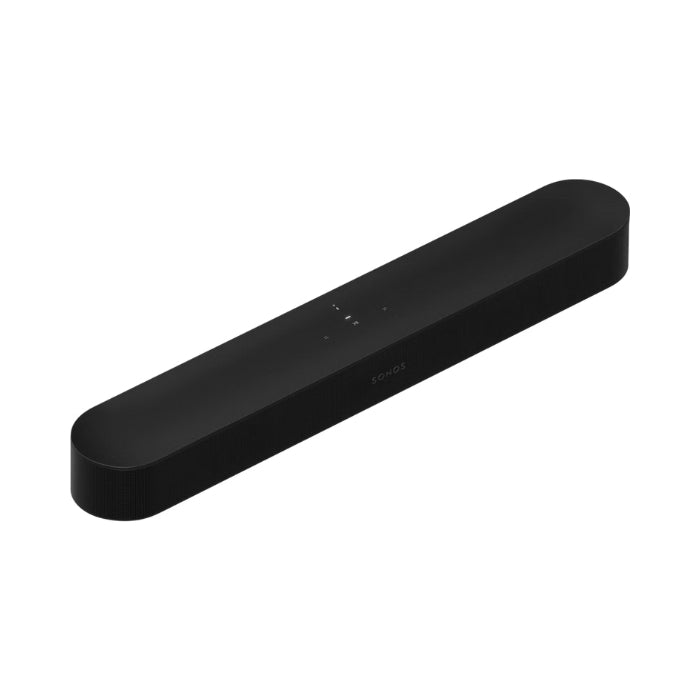
Sonos Beam (Gen 2)
Sound architecture
-
Drivers
-
3 tweeters (for clear highs and sharp dialogue)
-
3 mid-woofers (for warm mid-range frequencies)
-
2 passive radiators (for extra bass support)
-
Amplifiers
-
Dolby Atmos
Audiofunctions
-
Trueplay™ calibration
-
Speech Enhancement
-
Night Sound
-
Adjustable EQ
Dimensions & Weight
-
Dimensions (W × H × D)
-
Weight
Connections
-
HDMI ARC/eARC
-
Optical audio adapter
-
WiFi
-
Ethernet
-
Bluetooth
Power & Temperature
-
Mains supply
-
Operating temperature
-
Storage temperature
User interface
-
Touch control
-
Volume up/down: Slide or tap +/−
-
Play/Pause: tap once; press and hold to audio transfer to another room
-
Next/Previous: swipe or tap the arrows
-
LED indicators
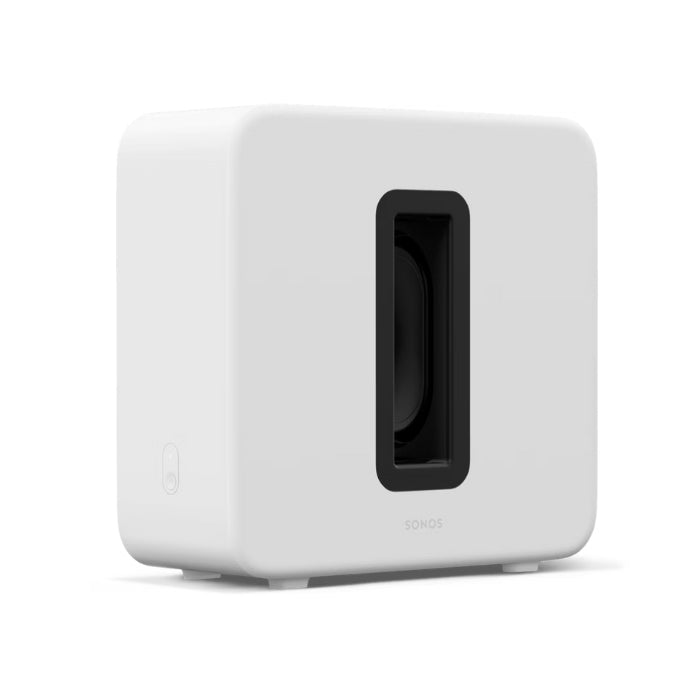
Sonos Sub 4
Sound architecture
-
Woofers
-
Amplifiers
-
Housing
Audiofunctions
-
Trueplay™ calibration
-
Adjustable EQ
Dimensions & Weight
-
Dimensions (W × H × D)
-
Weight
Connections & Power
-
WiFi
-
Ethernet
-
Mains supply
-
Operating temperature
-
Storage temperature
User interface
-
Link button
-
LED indicator
Contents of the box
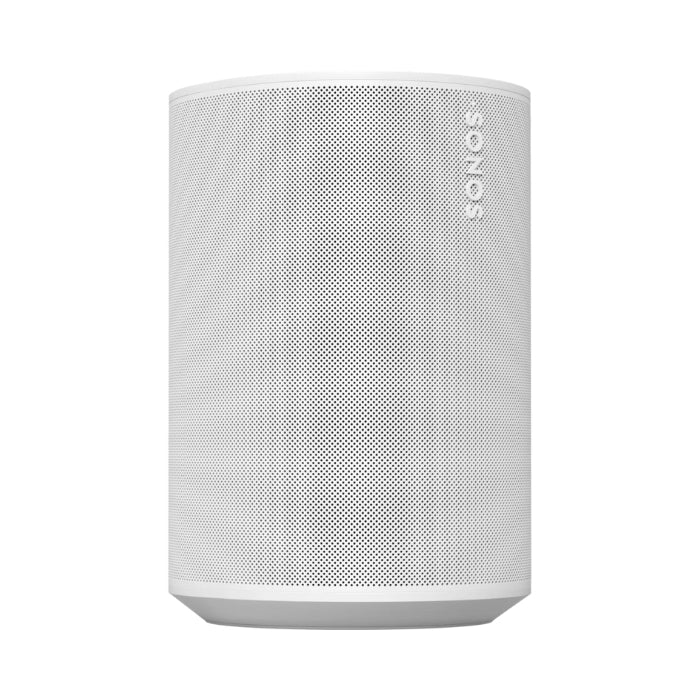
Sonos Era 100
Sound architecture
-
Drivers
-
1 × 76 mm (3 inch) mid-woofer for full, rich bass
-
2 × 16mm tweeters for clear highs and precise stereo separation
-
Amplifiers
-
Frequency range
Audiofunctions
-
Trueplay™ calibration
-
Adjustable EQ
-
Home Cinemamode
-
Stereo pairs
Keys and lights
-
Touch control
-
Volume up/down: Slide or tap +/−
-
Play/Pause: tap once; press and hold to audio to move to another room
-
Next/Previous: swipe or tap the arrow symbols
-
LED indicators
Dimensions & Weight
-
Dimensions (W × H × D)
-
Weight
Connections & Power
-
WiFi
-
Bluetooth
-
USB-C port
-
Ethernet
-
Tension
-
Operating temperature
-
Storage temperature
Contents of the box
-
Era 100-smart speaker (× 2)
-
Power cables (2 m, × 2)
-
Quick Start Guide and Warranty/Legal Documentation (× 2)
-
Physical microphone switch for privacy control
Installation & Use
-
Placement
-
Beam Gen 2: Mount the soundbar under your TV or place it freely on a piece of furniture, just in front of the viewing position.
-
Sub 4: Set the subwoofer preferably slightly from the wall to the floor to distribute the bass evenly and minimize unwanted vibrations.
-
Era 100 (×2): Place the two Era 100-speakers left and right behind your listening position as rear speakers. If you want to reuse them later as a self-employed person speakers or stereo pair, place them in the same room at the same height.
-
Pairing with the Sonos app
-
Open the Sonos app (Sonos S2) on your iOS or Android device.
-
First add the Beam (Gen 2) via “Add Product” and follow the instructions for HDMI ARC/eARC settings and microphone configuration (for Trueplay™).
-
After the Beam has been added, press the pairing button Sub 4 when the app asks for it. The Sub 4 is automatically integrated into the audio chain Beam.
-
Then add the two Era 100-speakers by connecting them one by one as rear channels. The app automatically recognizes that they are being used as surrounds and sets the correct listening orientation.
-
Trueplay™ calibration
-
To optimize sound reproduction, start Trueplay™ in the Sonos app. Walk around the room with your iOS or Android device while the Beam and Era Emitting 100's of test sounds. The Sonos app automatically adjusts EQ settings for balanced, room-centric sound. Make sure the microphones of the Era 100's are enabled via the physical mic switch.
-
Set up voice assistants
-
In the Sonos app, go to Settings > Speech and choose Sonos Voice Control, Amazon Alexa or Google Assistant (availability by region). Follow the steps to authorize the assistant.
-
Check that the microphone LED on the Beam and the Era 100's lights up to give voice commands. If you need privacy, set the mic switch to Era 100's out.
-
Multiroom expansion
-
Do you want to fill more rooms with music or play the same thing in multiple rooms simultaneously? In the Sonos app, go to Settings > System > Add product and follow the prompts to get additional Sonosspeakers to set.
-
You can create groups for all speakers to play synchronously or to create zones so that each room can play music independently.
-
Operation
-
Sonos app: Use the app for volume, playlists, streaming services (Spotify, Apple Music, Amazon Music, Sonos Radio), EQ adjustments (bass, treble, loudness), Trueplay™ and Night Sound/Speech Enhancement.
-
TV remote control: Thanks to HDMI ARC/eARC you can control the volume of the Beam control with your TV remote.
-
Touch control (Beam & Era 100): Via the touch-sensitive buttons on the Beam and Era 100 you can control volume (up/down), play/pause and skip.
-
Voice commands: Call “Hey Sonos” or “Alexa” (depending on your chosen assistant) to play music, adjust volume, or control smart devices.
Recommendations & Tips
-
Sub 4 placement: Set the Sub 4 not directly in a corner, but slightly away from walls to achieve balanced bass reproduction and reduce resonance in furniture.
-
Beam-positioning: Place the Beam at least 10 cm below the TV or mount it just below the screen edge so that the sound projection is unobstructed and the Dolby Atmos effect comes into its own.
-
Trueplay™ adjustment: Run Trueplay™ at a medium listening volume (around 50%) so that both dialogue and bass are accurately optimized.
-
Night Sound usage: Night Sound is ideal for late-night films or series: loud explosions and sound effects are muted while dialogues are preserved.
-
Multiroom organization: Create groups in the Sonos app for different zones (e.g. “Living room” and “Kitchen”) to play music independently per room or stream one centralized music source.
-
Mic switch (Era 100): If privacy is important, you can use the far-field microphones on the Era Disabling 100s. If the mic is off, the speaker no longer receives voice commands, but it still works as a rear speaker.
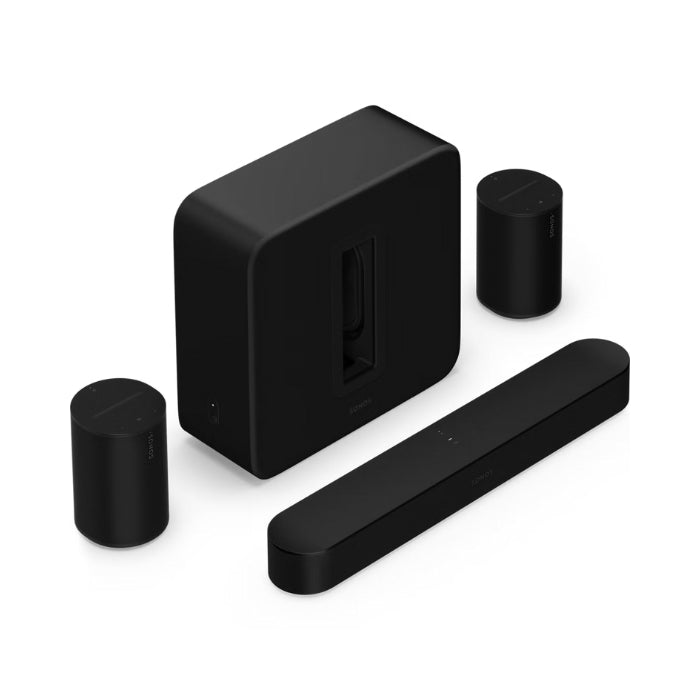
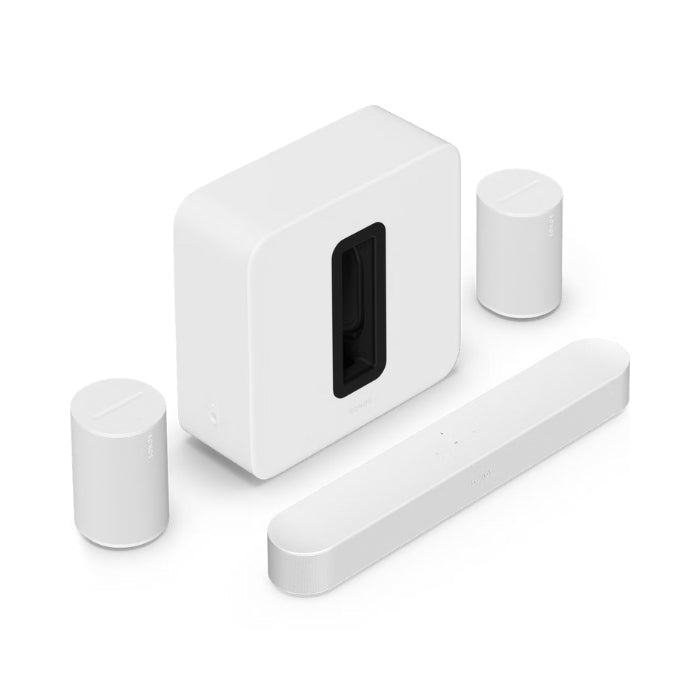
With the Premium immersive set with Beam + Sub 4 + 2× Era 100 you get a complete, high-quality home cinemain-house experience. Movies sound like in the cinema thanks to Dolby Atmos and deep, controlled bass, while clear dialogue and surround effects ensure maximum experience. Whether you're watching movies, playing games or listening to music, this set delivers impressive, immersive sound quality that enriches any entertainment experience.